Are Online PDF Tools Safe? A Practical Checklist
7 min read
Learn how to judge whether an online PDF tool keeps your file private: where processing happens, what is uploaded, what is kept, and what to check.
PDFs often contain exactly the things you would not post publicly: contracts, tax forms, payslips, medical letters, scans of an ID. So "is this online PDF tool safe?" is a good question to ask before you drop a file onto any website. The honest answer is that it depends on how the tool works, and you can check most of it in a couple of minutes.
This guide explains the one distinction that matters most, gives you a checklist you can apply to any PDF website, and then shows, as an example, how PDF NOVA handles files. We build PDF NOVA, so read that part knowing who wrote it; the checklist stands on its own.
The key question: where is the file processed?
An online PDF tool does the work in one of two places.
- In your browser. The website sends your browser a program, and your browser opens, edits or converts the file on your own computer or phone. The file never has to leave your device. This is the safest model, because there is no copy on someone else's server to leak, lose or keep.
- On a server. The file is uploaded over the internet, processed on the company's machines, and the result is sent back. Some jobs genuinely need this, for example converting Word or Excel files faithfully, or running an AI model. It is not automatically unsafe, but you are now trusting a company with your document.
Neither is wrong. What is wrong is not knowing which one you are using. A trustworthy tool tells you before you upload.
A checklist for judging any online PDF tool
- Does it say where processing happens? Look on the tool page and in the privacy policy for plain statements such as "runs in your browser" or "uploaded to our server". Vague promises like "100% secure" tell you nothing.
- Does it warn you before uploading? A server-based tool should say so before the file leaves your browser, not only in the small print.
- How long are uploaded files kept? Look for a concrete answer: deleted once the result is returned, deleted after a fixed number of hours, or kept until you remove them. "We may retain files" is a warning sign.
- Is the connection encrypted? The address should start with https and the browser should not show a security warning. This protects the file in transit, but says nothing about what happens after it arrives.
- Is the privacy policy specific? It should name the providers it uses, the data it collects and how long it keeps it. A policy that could apply to any website is not useful.
- Does it say your documents are not used to train AI models? This matters especially for AI features. Look for the statement, and for what exactly is sent.
- Do you need an account? Tools that work without one collect less about you. Also check whether the tool asks for more permissions than the task needs.
- Who runs it? Is there an about page, a contact address and a real company or person behind the service? Anonymous sites with no contact details are a risk.
- Does it behave like a normal website? Be wary of sites that force you to install a program, show many misleading download buttons, or ask for payment details for a simple task.
You can also test point 1 yourself. Open the tool and let the page load, then switch your device to airplane mode (or disconnect from the network) and try to process a file. A genuinely local tool will usually keep working, because everything it needs is already in the page. A server-based tool will fail. This is a rough test, not proof, but it is revealing. Your browser's developer tools (the Network tab) show exactly which requests are sent, if you are comfortable using them.
How PDF NOVA handles your files
Here is what PDF NOVA states in its Privacy Policy and on its About page, so you can compare it with the checklist.
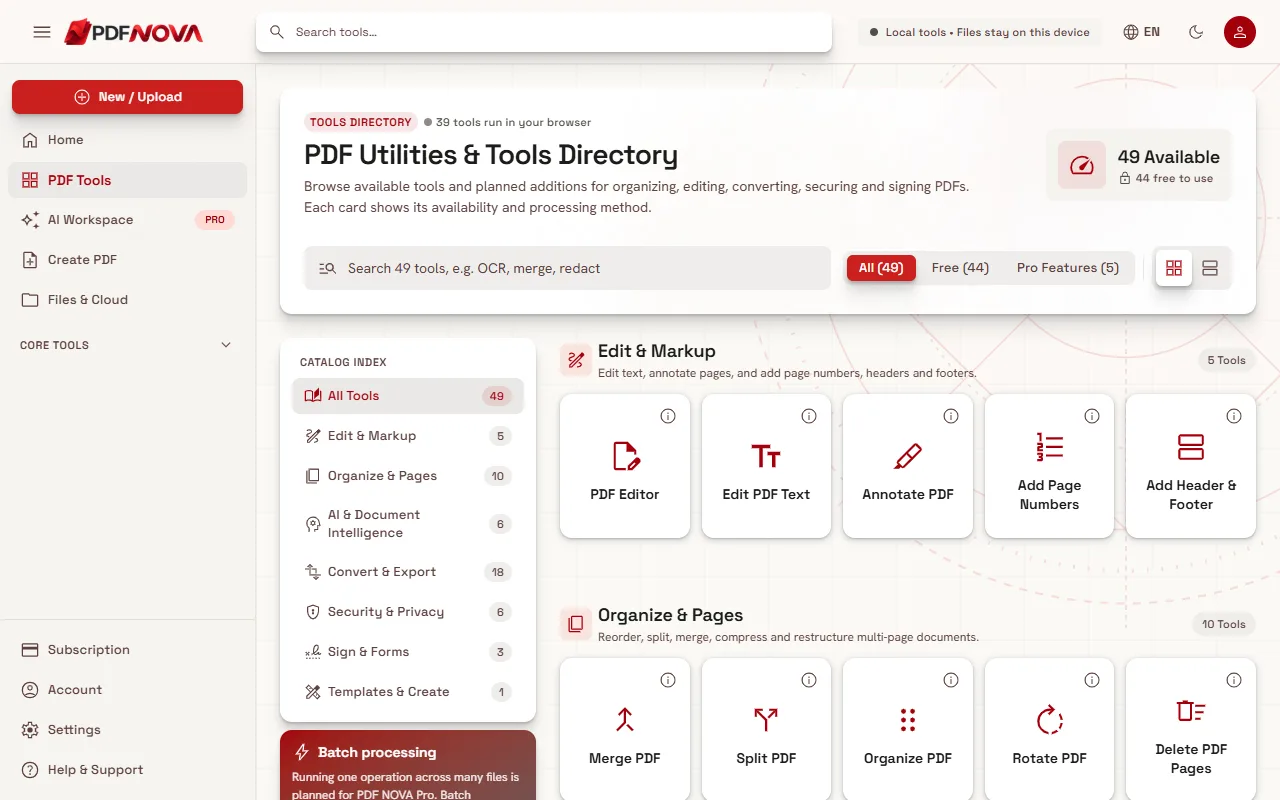
At the time of writing, 39 of the 49 tools on the website process files in the browser, and 10 use a server. The groups look like this:
- Browser tools. Tools such as Merge, Split, Compress, OCR, editing and protecting a PDF run entirely in your browser. According to the privacy policy, the file is not uploaded. To let you recover your work after a page refresh, the open PDF and its last saved version are kept in your browser's own storage (IndexedDB) for up to 24 hours, and removed when you choose Close Document.
- Server tools. Some Office conversions (Word, Excel, PowerPoint to and from PDF) need a server. The policy says the file you pick is uploaded over HTTPS to PDF NOVA's conversion server or, for some formats, to a conversion provider, and is deleted after the result is returned. Each tool says before the upload that the file will leave your browser.
- AI tools. The text is extracted in your browser, and only that text, not the PDF file, is sent through PDF NOVA to an AI provider (named on the tool pages as Groq) to answer your request. PDF NOVA states that it does not keep the text, questions or answers, and that the provider applies its own terms.
- No account needed for the local tools. The policy states that without an account PDF NOVA holds no personal data about you on its servers; accounts are optional.
- No selling of data and no AI training. Both pages state that personal data is not sold and documents are not used to train AI models.
- Advertising. The free plan of the website may show Google AdSense ads. The policy says ad requests never include your documents, and that paid plans see no ads.
- Statistics. The website counts page views and completed tasks (tool name and success) without cookies and without anything about your files, and it records nothing if your browser sends Global Privacy Control or Do Not Track.
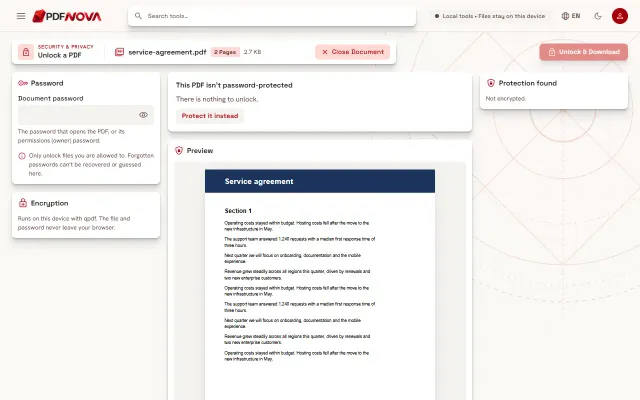
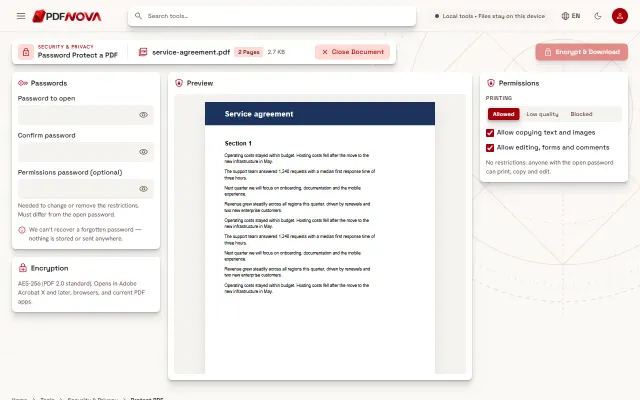
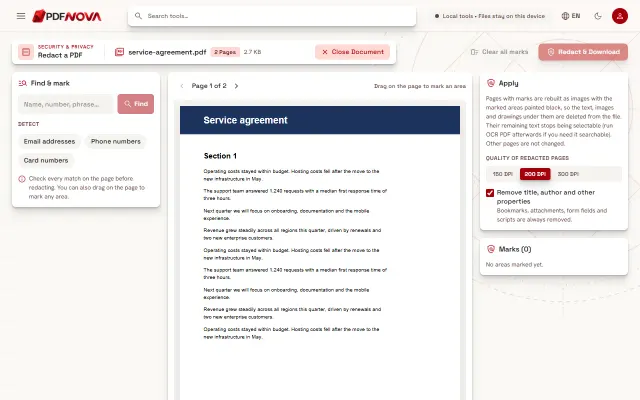
Here is a browser tool in use, so you can see what the page looks like when a file is loaded:
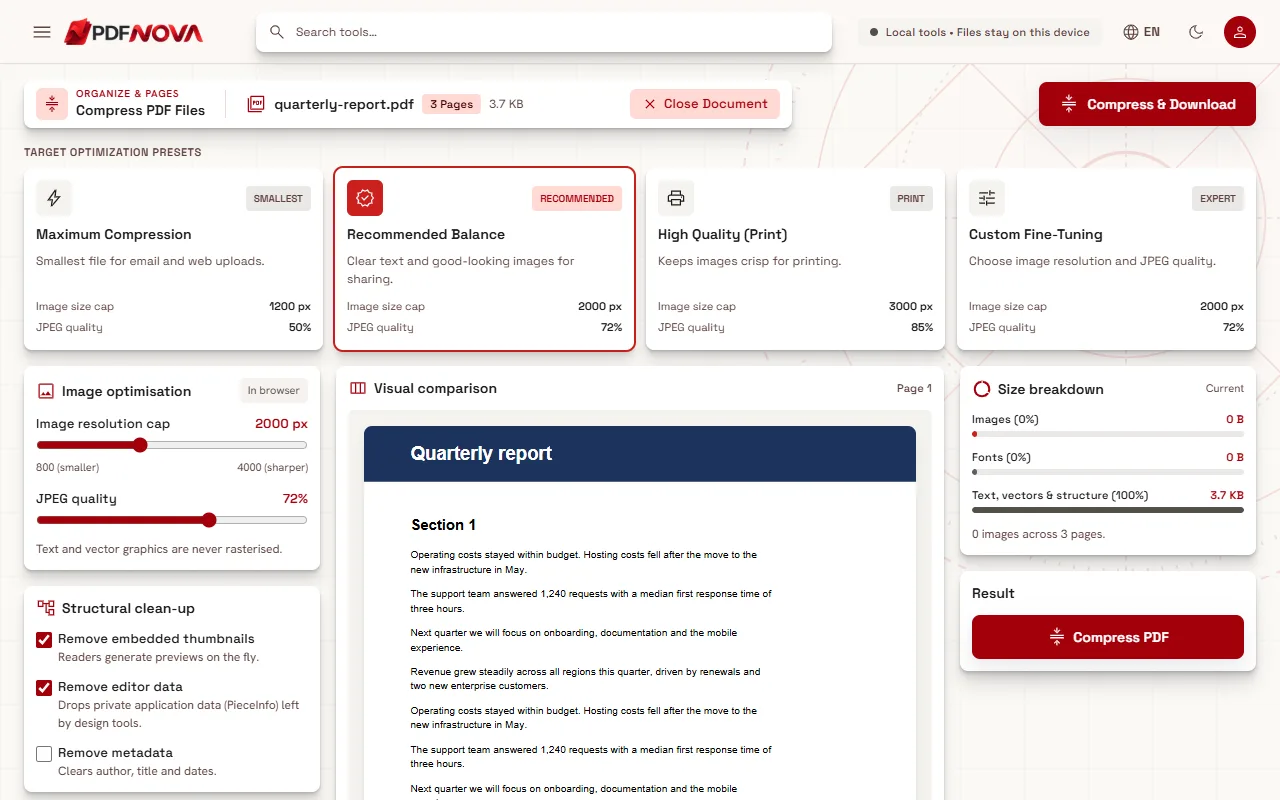
If you want to verify rather than trust, use the airplane-mode test above on a local tool such as Compress PDF, and read the full Privacy Policy.
Limits and honest caveats
- "Runs in your browser" protects the file from being uploaded, but it does not protect a device that is already infected or shared with others. Close the tab and clear downloads on public computers.
- Even local tools leave the downloaded result on your device. Delete sensitive outputs when you no longer need them.
- No service is perfectly secure. The privacy policy itself says so and describes what happens if a breach affects your data.
- If a document is highly confidential, the safest option is a tool you can verify is local, or desktop software on an offline machine.
- Hiding text visually is not the same as removing it from the file. To hide sensitive content, use a proper redaction tool rather than drawing a black box.
Practical habits
- Prefer a local tool whenever one exists for the job. Many everyday tasks do not need a server: merging, splitting and compressing all run in the browser here.
- For AI features, understand what is sent. Summarize a PDF with AI explains what leaves your browser.
- Remove personal details you do not need to share before you upload or send a document.
- Browse the list of all tools; each tool says whether it needs a server before anything is uploaded.
FAQ
Is it safe to upload a PDF to any website?
Not automatically. It depends on whether the file is processed locally or uploaded, how long it is kept, and who runs the service. Use the checklist above before sharing anything sensitive.
How can I tell if a tool uploads my file?
Read the tool page and the privacy policy for a clear statement, try it with the network disconnected, or watch the Network tab in your browser's developer tools.
Does PDF NOVA see my documents?
For browser tools, no: the file stays in your browser. For server tools, the file is uploaded for the conversion and deleted after the result is returned. For AI tools, only extracted text is sent, not the file.
Are free tools less safe than paid ones?
Not by definition. What matters is how the tool works and what the policy says. Free services are usually funded by ads or upgrades, so check how the site pays for itself. PDF NOVA's About page states that it is funded by Pro subscriptions and, on the free website, by advertising.
What is the safest way to handle a very sensitive PDF?
Use a tool you can confirm runs locally, or offline desktop software, and delete the files afterwards.