Why the Font Changes When You Edit a PDF
6 min read
Edited PDF text suddenly in another font? Learn why PDFs carry only part of a font, how to keep the original typeface, and what to do when a letter is missing.
You change one word in a PDF and it comes back in Arial or Times, a little bigger or a little bolder than the text around it. The rest of the line uses an elegant serif, your correction looks pasted on. This is the most common complaint about PDF editors, and it has a precise cause.
A PDF rarely contains whole fonts. To keep files small and respect font licences, most programs embed only the letters the document actually uses, a so-called subset. An editor that cannot reuse that embedded font, or that needs a letter the subset does not contain, has to write your text in another font. Edit PDF Text on PDF NOVA reuses the document's own font for every letter it has, writes only the missing letters in the closest match it can find, and tells you exactly which font it used.
Why fonts change when you edit a PDF
Three things are going on in a typical PDF:
- The font is a subset. If the word "quince" never appears in a menu, the letter "q" may simply not be in the file. Type it, and there is no shape for it.
- The font is not on your computer. The document was made with a font you never installed. Many editors then fall back to a standard font such as Helvetica or Times, for the whole line or paragraph.
- The text is laid out letter by letter. Size, letter spacing, word spacing and horizontal scaling are stored per piece of text. An editor that rewrites the line with its own defaults changes them, even with the right font.
So "keeping the original font" means three things: reuse the embedded font where possible, find the closest real match for anything it lacks, and keep the size and spacing of the original text.
How PDF NOVA chooses the font for edited text
When you change text, the editor works through these options in order:
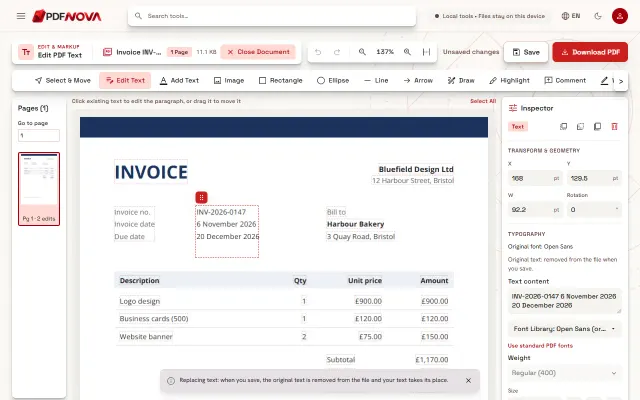
- The document's own font. If the embedded font contains every character of your new text, your text is written with it, letter for letter. Most corrections, such as dates, numbers, names made of letters the document already uses, fall into this case.
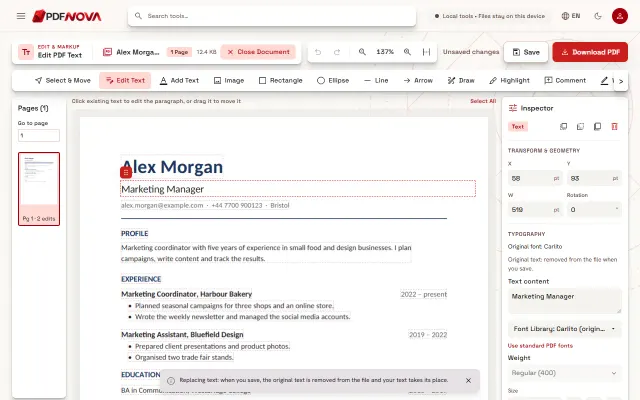
- The same font from another source. If letters are missing, the editor looks for the same family: a standard PDF font of that name, a font you uploaded, or a library font of the same name or one designed to match it. Arial is matched with Arimo, Times New Roman with Tinos, Courier New with Cousine, Calibri with Carlito, Cambria with Caladea and Georgia with Gelasio. These have the same letter widths, so the line keeps its length.
- The closest available design. Only when no match exists does it fall back to a similar-looking font, and only then does the Inspector say "Closest available font".
The letters the original font has stay in the original font. Only the missing ones use the match, and the editor keeps the size, spacing and colour of the original text either way.
Step by step: edit text and keep the original font
- Open Edit PDF Text and choose the PDF.
- With Edit Text selected, click the text you want to change.
- Read the Typography section of the Inspector: it starts with "Original font:" and the name found in the file.
- Type your change and watch the Inspector. If every letter is available, nothing more is shown. If some are not, a line such as "Original glyphs kept; characters the original font lacks (& z) use Lora." lists the missing characters and the font used for them.
- Select Download PDF when the result looks right.
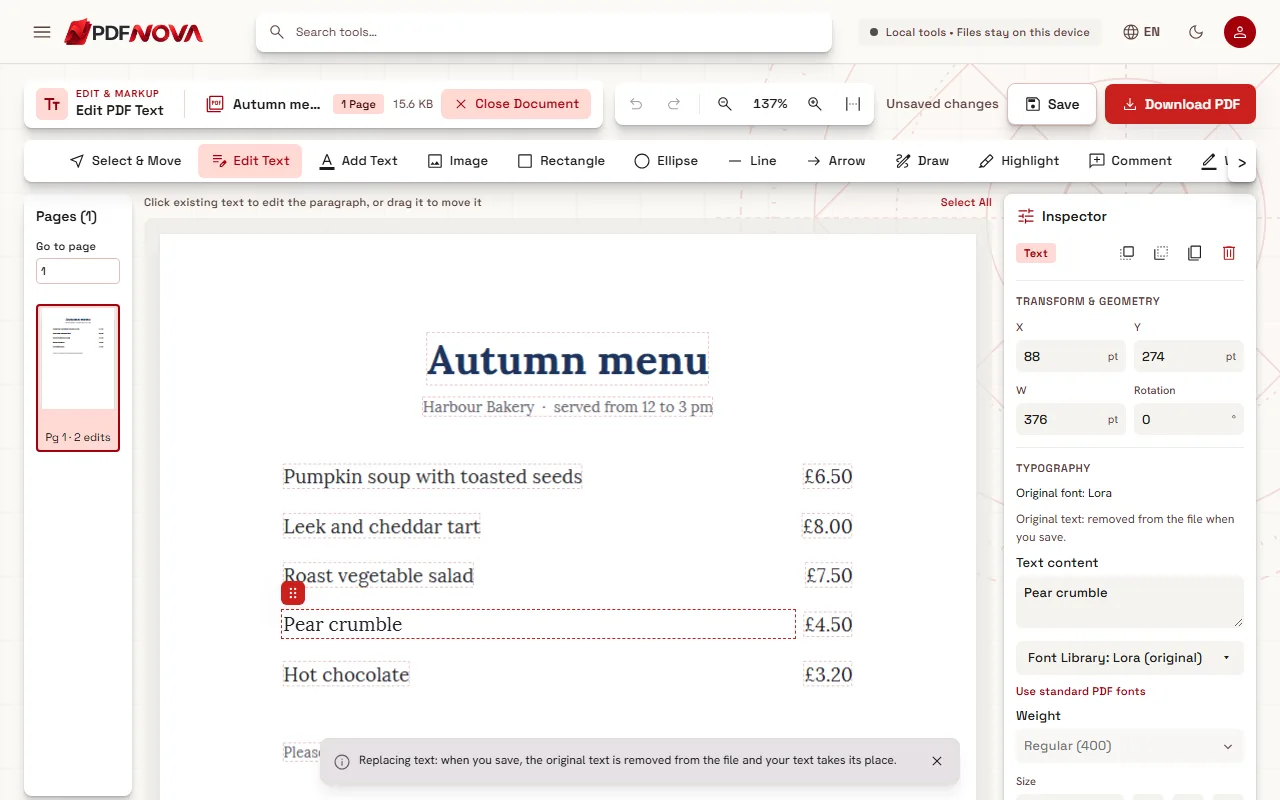
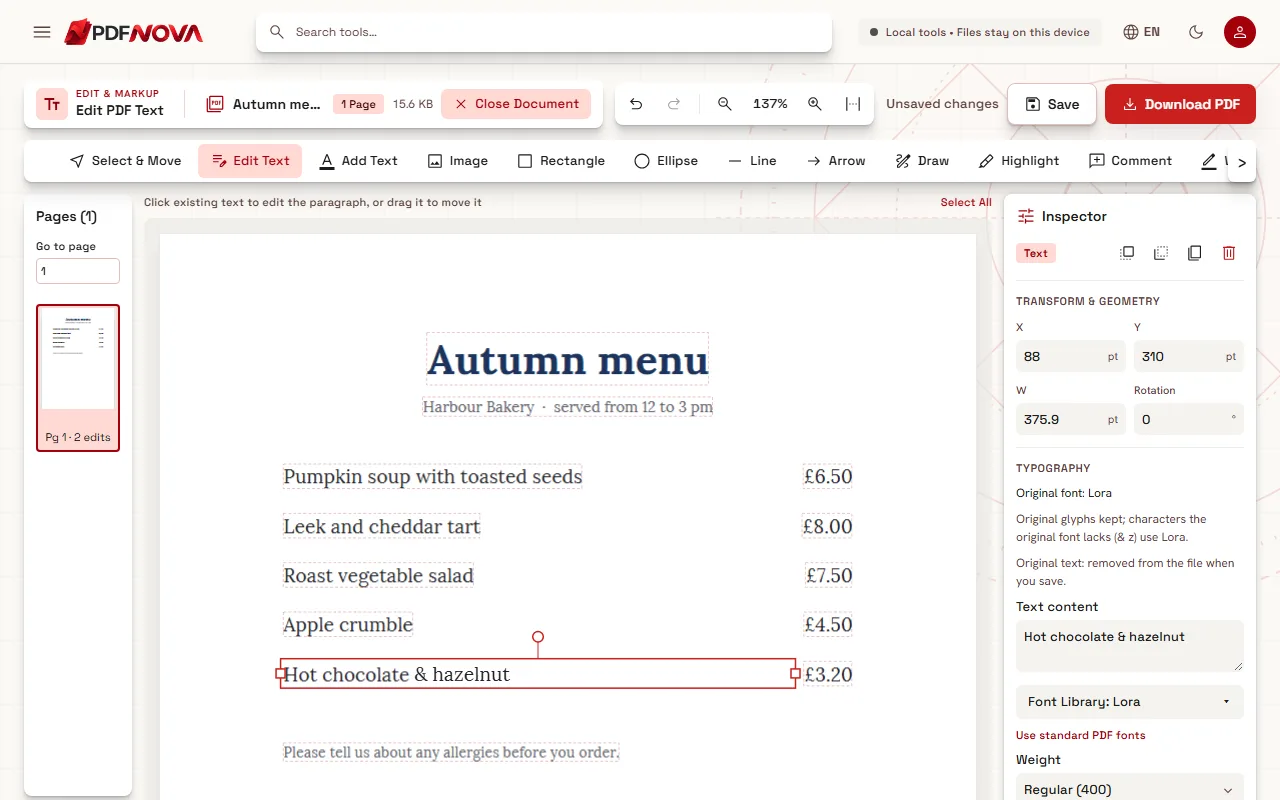
In this example, the menu's font is Lora, which also exists in PDF NOVA's own font library, so the missing characters come from the same family. With a commercial font that cannot be shipped, you get the matching font from the list above, or the closest design.
What to do when a letter is missing
- Rephrase. It sounds trivial, but it works: "and" instead of "&", or a synonym, keeps everything in the embedded font.
- Upload the font if you have it. In the Inspector, open the Font Library and choose Upload Font (TTF, OTF, WOFF or WOFF2, up to 5 MB). You have to confirm that you have permission to embed the font in PDFs. The uploaded font stays on your device and is embedded in the PDF you download, and the editor will use it for the missing letters of that family.
- Accept the match. For metric-compatible pairs such as Calibri and Carlito, the difference is hard to see at normal reading size.
Bold and italic need a real bold or italic font. The editor does not fake them by thickening or slanting letters, because such synthetic styles are not exported. If you upload a font, upload the bold or italic file too when you need it.
Size, spacing and line length
Fonts are only half of the look. The editor also reads the size, letter spacing, word spacing and horizontal scale of every piece of text, and new letters use the same values. When a new word is wider than the old one, the space after it absorbs the difference, so the rest of the line does not move unless the gap becomes too small. If you change the size or the font yourself in the Inspector, the paragraph is laid out again with your settings. The section "When text is longer" (Auto, Fit, Expand, Wrap) decides what happens when the new text no longer fits its box.
After you download, the editor reads the saved file again. If the text, font or position in the file differs from what you saw, it says so: "The saved PDF may differ from what you see", followed by the details.
Limits
- A scan has no font file to keep: the editor estimates a matching face from the picture (it may show a library face such as Gelasio), so the result is a close match, not the original font.
- Arabic text is shaped as a whole paragraph, so an edit there is laid out again rather than changed letter by letter.
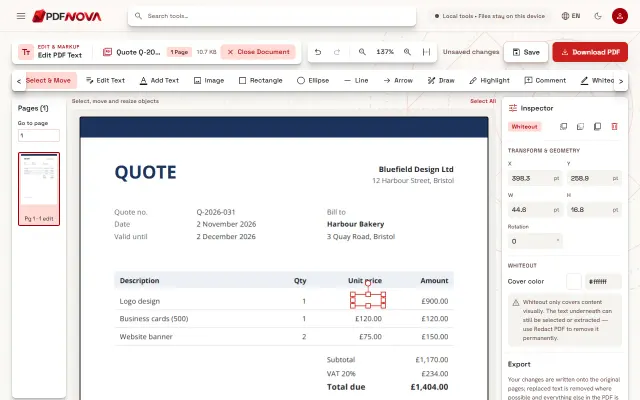
- Some fonts cannot be read well enough to rewrite text safely. The editor then covers the old text instead of removing it, and says "Covered, original kept underneath" with the reason. See editing versus covering with a white box.
- Uploaded fonts whose licence forbids embedding are refused with a message.
FAQ
Can I extract the font from the PDF and install it?
Usually not. The embedded font is often a subset with only some letters, and fonts are licensed separately from the documents that use them.
What does "Use standard PDF fonts" do?
It switches the selected text to one of the fonts built into every PDF reader (Helvetica, Times or Courier). They display the same in every reader, but the text no longer uses the document's own font.
Why does my edited text look slightly different on screen than in the downloaded file?
The page you see while editing is a preview drawn by your browser. The downloaded file is what counts: open it in your usual PDF reader, and if it differs, the editor's check after saving tells you where.
For everyday corrections, see how to fix a typo in a PDF without the Word file and the general guide to editing text in a PDF online.